
Streamlining Conference Experiences: The Art of Integrating Speaker and Video Conferencing Systems
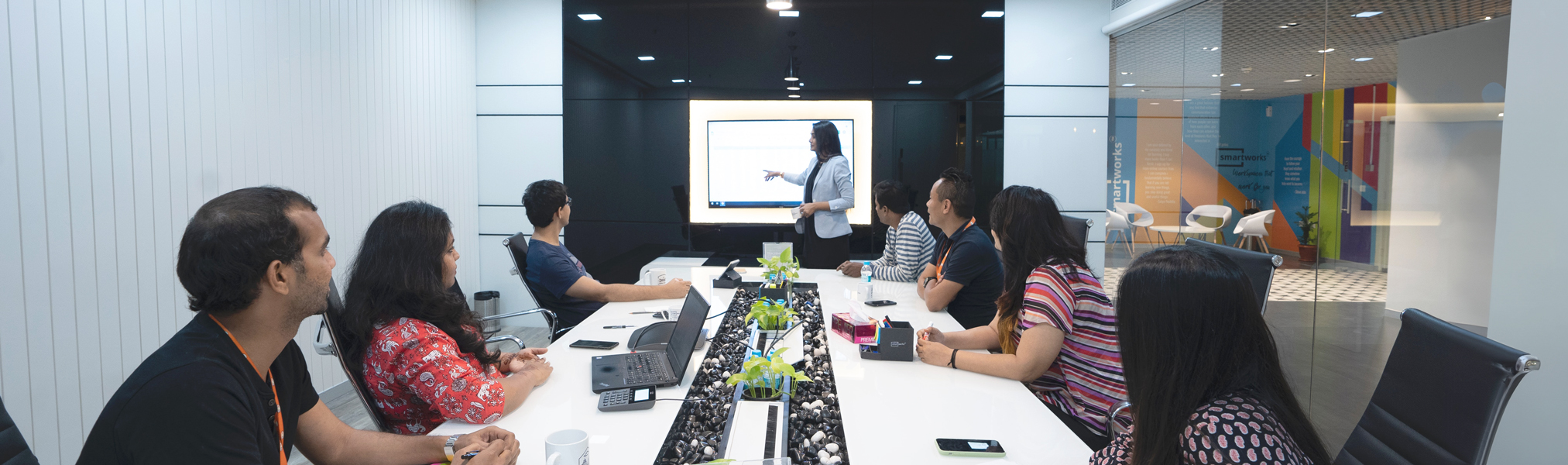
Conferences are dynamic events often involving remote speakers or multimedia presentations, making the seamless operation of video conference systems essential for maintaining engagement. Let's look into the intricacies of integrating conference room speakers with video conferencing setups to ensure smooth and effective communication.
Connectivity: Simplify Integration & Compatibility
To streamline integration, modern video conference systems often utilize USB connectivity. This plug-and-play option facilitates direct audio routing between the conference room speaker and the video conferencing system, eliminating the need for multiple audio cables and ensuring hassle-free setup and operation.
For broader compatibility and flexibility, auxiliary or analog inputs such as 3.5 mm jacks or RCA connections provide alternative integration options. Before opting for analog inputs, consider the compatibility range and potential need for additional audio mixers to ensure seamless connectivity across your systems.
Understanding Speaker Types and Coverage
Understanding speaker types, dispersion patterns, coverage angles, and optimal placement is crucial to optimize your conference room setup. Check out our informative video guide for insights into selecting the right speakers and maximizing audio coverage for an immersive conference experience.
Testing Integration Effectiveness
To effectively test and optimize your conference setup, start by conducting mock trials with varying numbers of participants positioned strategically throughout the room. This allows you to assess audio/visual quality and system synchronization, adjust system heights, and conduct sound tests to identify optimal connectivity spots and ensure robust performance. Regularly test audio and video quality, software functionality, and system synchronization to maintain seamless operation.
Additionally, regularly check mounting hardware, update video conferencing system software, clean camera lenses, check equipment components, and keep backup systems ready to mitigate potential disruptions and ensure equipment readiness during conference events. Regular testing and maintenance are essential for reliable and uninterrupted conference experiences.
Optimizing Audiovisual Performance
Aside from testing integration and ensuring hardware reliability, fine-tuning audio/visual performance is a key factor in delivering a successful conference. Consider these tips to enhance your setup:
- Room Acoustics: Assess the acoustics of your conference room to minimize echoes and ensure clear audio transmission. Acoustic treatments such as sound-absorbing panels or curtains can significantly improve audio quality.
- Microphone Placement: Position microphones strategically to capture clear audio from presenters and participants. Consider using boundary microphones for conference tables or podiums and lapel microphones for individual speakers.
- Camera Angles: Optimize camera angles for effective visual communication. Ensure that cameras are positioned at eye level to maintain engagement and provide a natural viewing perspective for remote participants.
- Lighting: Proper lighting enhances video quality and visibility. Use diffused lighting to avoid harsh shadows and ensure that all participants are well-lit and easily visible on camera.
- Bandwidth and Network Stability: Prioritize a stable internet connection with sufficient bandwidth to support video conferencing and audio streaming without interruptions. Consider using wired connections for critical systems to minimize latency and connectivity issues.
Addressing these additional aspects can elevate the overall conference experience, ensuring clear communication, engaging presentations, and seamless interaction between onsite and remote participants.
Seamless Conferencing with Reliable Integration
The seamless integration of speaker and video conference systems is fundamental to the success of modern conferences. By embracing technologies like USB connectivity and auxiliary inputs, understanding speaker types and coverage, and conducting thorough integration tests, you can ensure smooth communication and engaging presentations.
Additionally, optimizing audio/visual performance through room acoustics, microphone placement, camera angles, lighting, and network stability enhances the conference experience. By addressing these intricacies and continuously optimizing your setup, you can create immersive and effective video conferences that foster seamless interaction among onsite and remote participants.