
Search results for 'BOSE L1 PRO Portable'
-

This live streaming video equipment package provides easy-to-use audio and video streaming for churches, corporate boardrooms, huddle spaces, lecture theatres, training rooms, medical suites, and classrooms. Produces brilliantly sharp video, outstanding color, and whisper-quiet mechanical Pan/Tilt/Zoom.
Learn More -
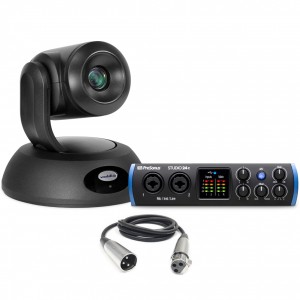
This elite live streaming video equipment package delivers striking, high-definition video image quality. Cutting-edge image signal processing results in better light-gathering capabilities, incredible contrast and sharp 1080p/60 video, even in dim lighting conditions. Great for live streaming in churches, corporate boardrooms, huddle spaces, lecture theatres, training rooms, medical suites, and classrooms.
Learn More -
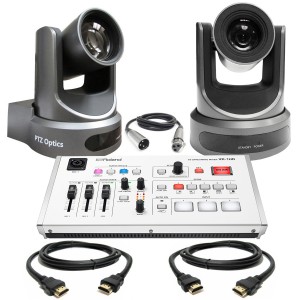
This multi-camera live streaming video equipment package is ideal for live web-based streaming and/or recording, great for a number of applications such as classrooms, churches, medical suites, training, presentations and more. Delivers amazing picture and sound that easily outshines 'standard' livestreams from a mobile phone or static webcam.
Learn More -
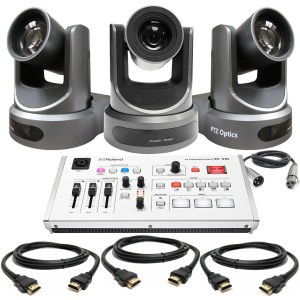
This multi-camera live streaming video equipment package is ideal for live web-based streaming and/or recording, great for a number of applications such as classrooms, churches, medical suites, training, presentations and more. Delivers amazing picture and sound that easily outshines 'standard' livestreams from a mobile phone or static webcam.
Learn More -
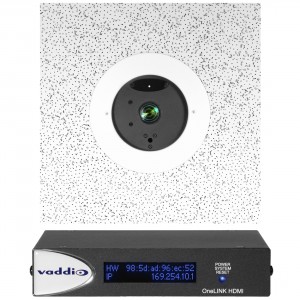 List $6,527.00Price $5,874.30Simplify installations by viewing all your Vaddio products across a deployment on one screen with the simple click of a button. The Vaddio Deployment Tool enables you to select devices from the network, choose an action like rebooting the device, unmute the audio, or updating firmware and voilà! – remote troubleshooting success. Learn More