
Furman BB-RS232 BlueBOLT Ethernet to D9 RS232 Adaptor (Discontinued)

Part #:
BB-RS232
Model #:
BB-RS232
Availability: No Longer Available
Contact us for comparable solutions.
Certified Audio
Expertise
FREE Custom
System Design
Get Expert
Help Fast

Ask an Expert

Our expertly trained Sales Engineers are ready to help!

(888) 256-4112

Get a Quote, Price or Support Fast!

We want to make contacting us as fast and as easy as possible. Please reach out if you have any questions or concerns about our products, system design, technical support, or orders.
Phone Monday - Friday
8:00 AM - 5:00 PM
1-888-256-4112
Email Contact us by email or
our simple form.
SEND EMAIL
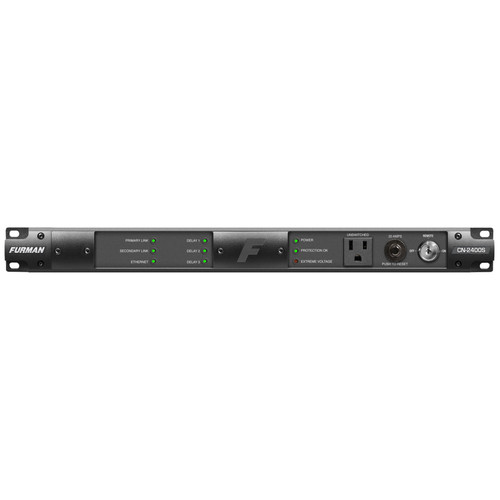
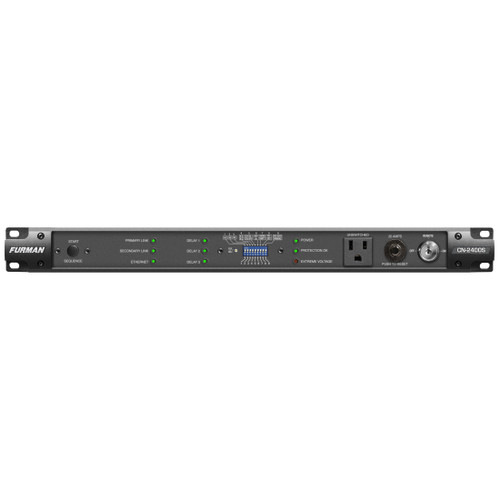
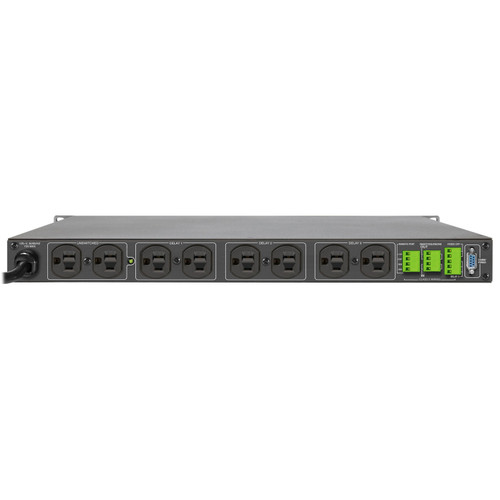
The Furman BB-RS232 Adaptor provides Ethernet connectivity to BlueBOLT-supported Furman Sequencing products CN-1800S, CN-2400S, CN-3600SE that are otherwise only capable of RS-232 communication.

Description

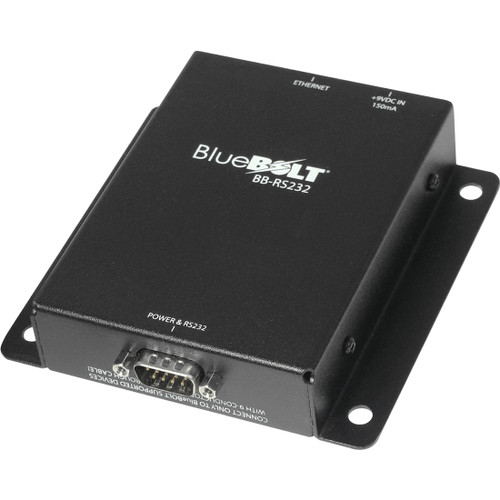
Furman BB-RS232 BlueBOLT Ethernet to D9 RS232 Adaptor

The BB-RS232 Adaptor provides Ethernet connectivity to BlueBOLT-supported Furman Sequencing products CN-1800S, CN-2400S, CN-3600SE that are otherwise only capable of RS-232 communication. Once the adaptor is connected between the BlueBOLT supported product (via RS-232) and the site’s Local Area Network (via Ethernet), the product can communicate with our BlueBOLT servers.

BlueBOLT allows you to:

  • Control individual outlets or outlet banks
  • Monitor your devices and power status
  • Receive email alerts for power events
  • Schedule tasks such as power on, off, cycling, and sequencing
  • Manage multiple devices in your chain of devices
  • Utilize device-specific features for your compatible product

Features

  • Communication Ports:
    • RS-232 with DSUB 9 Male connector. Pins 2 (RXD), 3 (TXD) and 5 (COM) are used for communication, pins 1 (GND) and 9 (+12V) are used for power
    • 100BaseT Ethernet Communication with BlueBOLT service or a control system on the Local Area Network
  • Indicators:
    • For BlueBOLT connected, Status, Ethernet Link Status, and Data Activity
  • Reset Button:
    • Short press of Reset causes adaptor to reset the device. Holding down Reset for >10 seconds causes adaptor to revert to its default setting
  • Power: 
    • Powered through non-communication signal wires of supplied 9-conductor cable (for RS232 port) or with included wide-range AC/DC switched-mode wall adaptor
  • Mounting:
    • Capable of being mounted to the rear equipment rack rail via its flange holes and supplied rack screws or on side of the equipment rack via the flange holes and zip-ties (not supplied)

Specifications

Dimensions (H x W x D) 1" (25.4 mm) x 2.5" (63.5 mm) x 4" (101.6 mm)
Shipping Weight 1.65 lbs (0.75 kg)

DOCUMENTS

My Cart